
Download togetU – Social Media, Video Sharing, Video Editing, Photo Sharing, Entertainment Community
Overview
- togetU
- is a desktop-based social and communication application designed to facilitate video and photo sharing within a global community. The platform enables users to discover, create, and engage with short-form video content, offering tools for both content consumption and creation. It serves as an alternative to major video-sharing platforms, particularly useful when such services are inaccessible. The application supports real-time interaction through notifications, likes, comments, and follow mechanisms, fostering a dynamic online environment. Users can explore videos showcasing diverse talents and entertainment, from dance performances to humorous clips, and connect with creators worldwide. The core purpose is to empower individuals to express themselves through personal content while also enjoying curated entertainment from others. It is suitable for casual users seeking entertainment, aspiring content creators, and individuals interested in building online presence. The developer did not provide additional information about their background or company history. Real-world usage scenarios include daily content sharing, trend participation, and community engagement. The platform also supports offline access to downloaded content for later viewing or sharing on other platforms.
Key Features & Capabilities
- Video and Photo Sharing – Users can upload and share short video clips and high-definition photos with their network or the public. This feature supports global discovery and community interaction.
- Integrated Video Editor – The application includes basic video editing tools, allowing users to enhance clips with filters, effects, time effects, and camera features. Audio can be added using in-app music selections.
- Content Discovery Engine – A built-in algorithm surfaces trending and popular videos based on user preferences, location, and engagement patterns, enabling users to stay updated with global content trends.
- Interactive Engagement Tools – Users can like, comment, follow, and bookmark videos and profiles. Notifications are delivered through a centralized page to keep users informed of interactions.
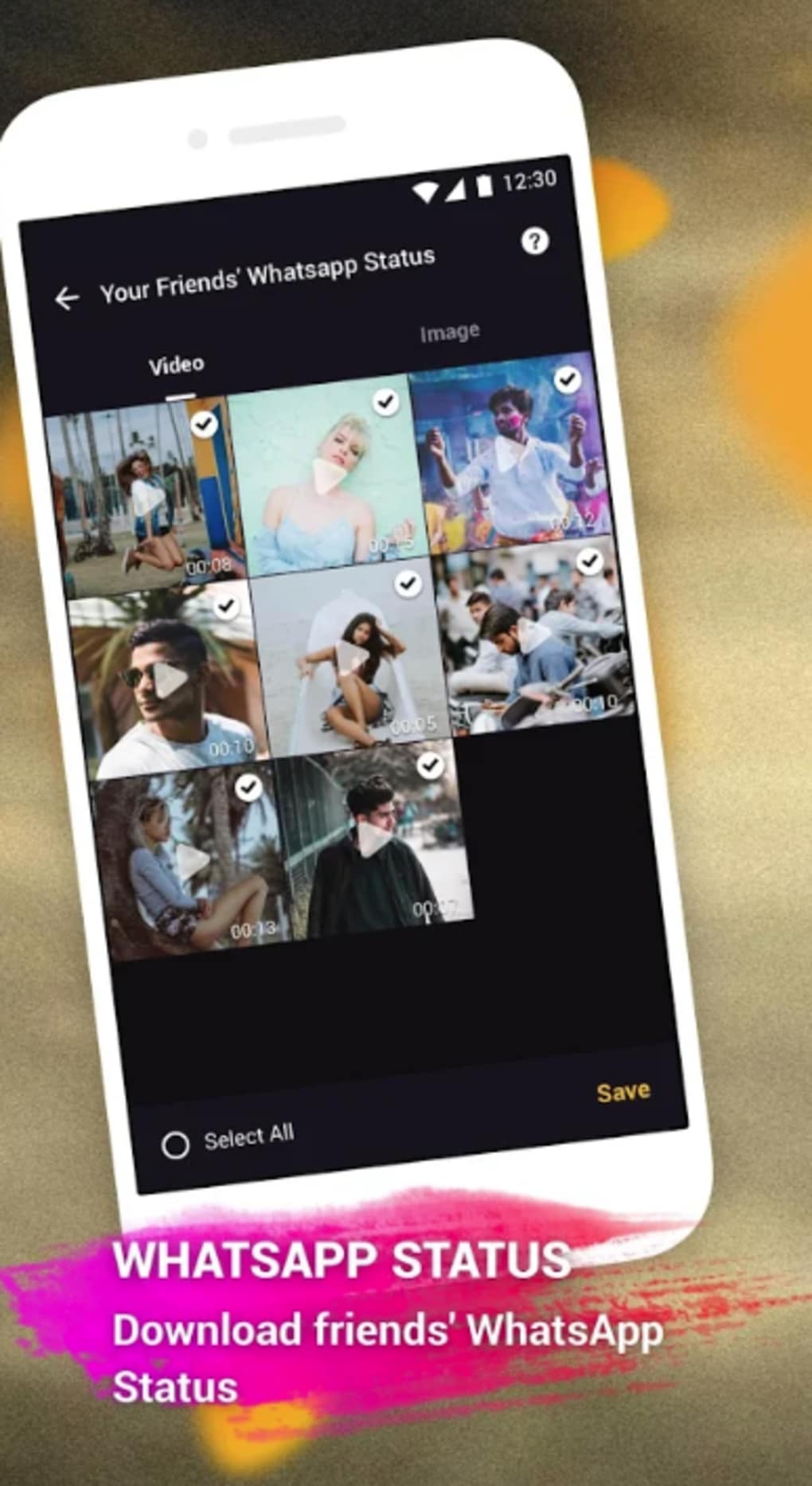
- Content Download Functionality – Users can download videos, GIFs, and HD photos for offline use or redistribution on other social platforms, preserving personal memorabilia.
- Community Building Features – The platform encourages users to connect with like-minded individuals, follow favorite creators, and participate in shared interests through content.
User Interface, Workflow & Performance
The user interface is structured around a central feed, navigation sidebar, and profile dashboard. The layout emphasizes visual content, with large thumbnails and intuitive icons for core actions such as upload, search, and notifications. Navigation is straightforward, with clearly labeled sections for discovery, creation, and social interaction. The workflow follows a logical sequence: view content → engage → create → share. Users can quickly switch between browsing and editing modes without disruptive transitions. The application maintains a consistent visual language across screens, enhancing usability. Performance observations are based on general software behavior patterns. The developer did not specify resource usage details. Stability during extended use was not verified. CPU and RAM behavior are unknown. The application appears responsive during typical operations, though real-world performance may vary depending on device configuration and internet speed.Compatibility & System Requirements
togetU is available for Windows and Mac operating systems. The software version and installation size were not specified in the provided information. Exact system requirements were not listed. Compatibility information was partially provided. Users should ensure their system meets the minimum requirements for running modern desktop applications, including sufficient RAM and disk space. The developer did not provide details on supported hardware configurations or processor types. It is recommended to check the official source for the latest system compatibility guidelines before installation.Pros and Cons
Pros
- Integrated video editing tools for quick content enhancement
- Supports offline access via video, GIF, and photo downloads
- Simple, intuitive interface suitable for casual users
- Offers global content discovery and community engagement
- Designed as a backup option when major platforms are unavailable
Cons
- Exact system requirements were not specified
- Performance and resource usage details are unavailable
- Limited information about developer background or support channels
- No details on update frequency or automatic update mechanism
- Platform-specific behavior may vary without official documentation
FAQ Section
Is togetU available for Windows and Mac?
Yes, togetU is designed to run on both Windows and Mac operating systems.
Can I download videos and photos from togetU?
Yes, users can download video clips, GIFs, and HD photos for offline use or sharing on other platforms.
Does togetU require an internet connection?
While the application requires an internet connection for content discovery and sharing, downloaded content can be viewed offline.
Is togetU safe to use?
As a desktop application, togetU is designed to operate securely. Users are advised to download the software only from official sources to avoid potential risks.
How often are updates released?
The update schedule was not specified. Users are encouraged to check the application’s notification page for the latest version information.





.png)

